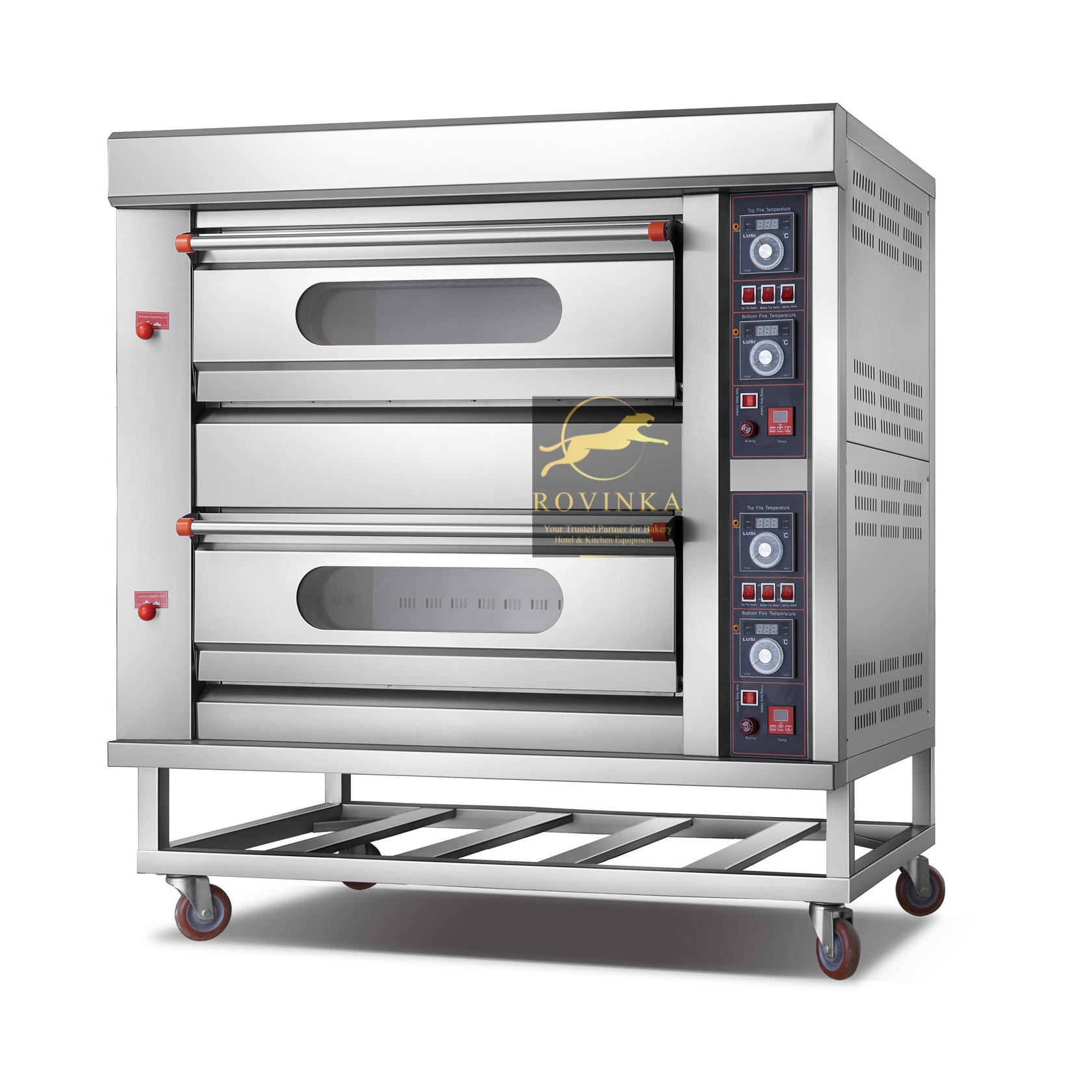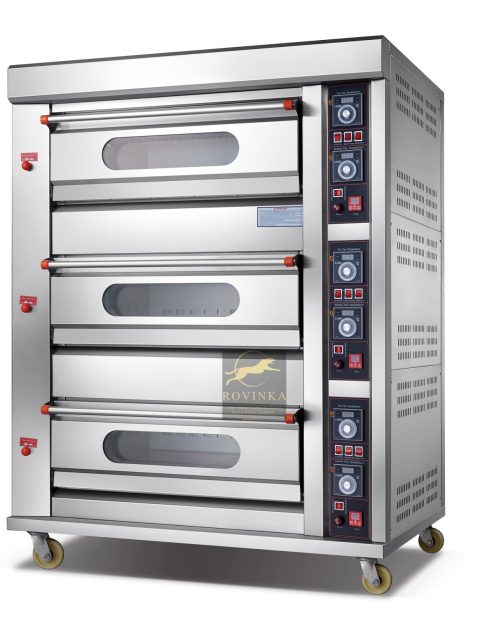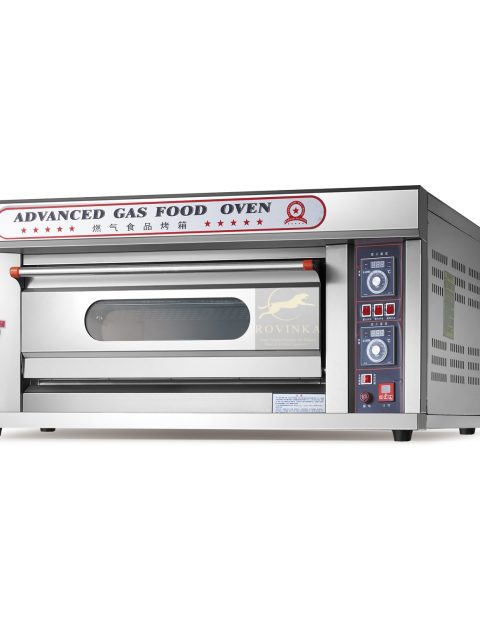
Two Deck Four Tray Commercial Gas Oven Stainless Steel
Commercial grade gas oven with two decks and four tray capacity built for efficient even baking and long lasting performance.
The Two Deck Four Tray Gas Oven is designed for bakeries restaurants and food service businesses that need consistent high quality baking. With two separate decks and room for four trays it allows you to bake multiple batches simultaneously for better productivity.
Constructed from high quality stainless steel the oven offers durability heat resistance and easy maintenance. It’s ideal for professional kitchens where performance and hygiene are top priorities.
Benefits:
- High Production Capacity
- Even Heat Distribution
- Durable Stainless Steel Build
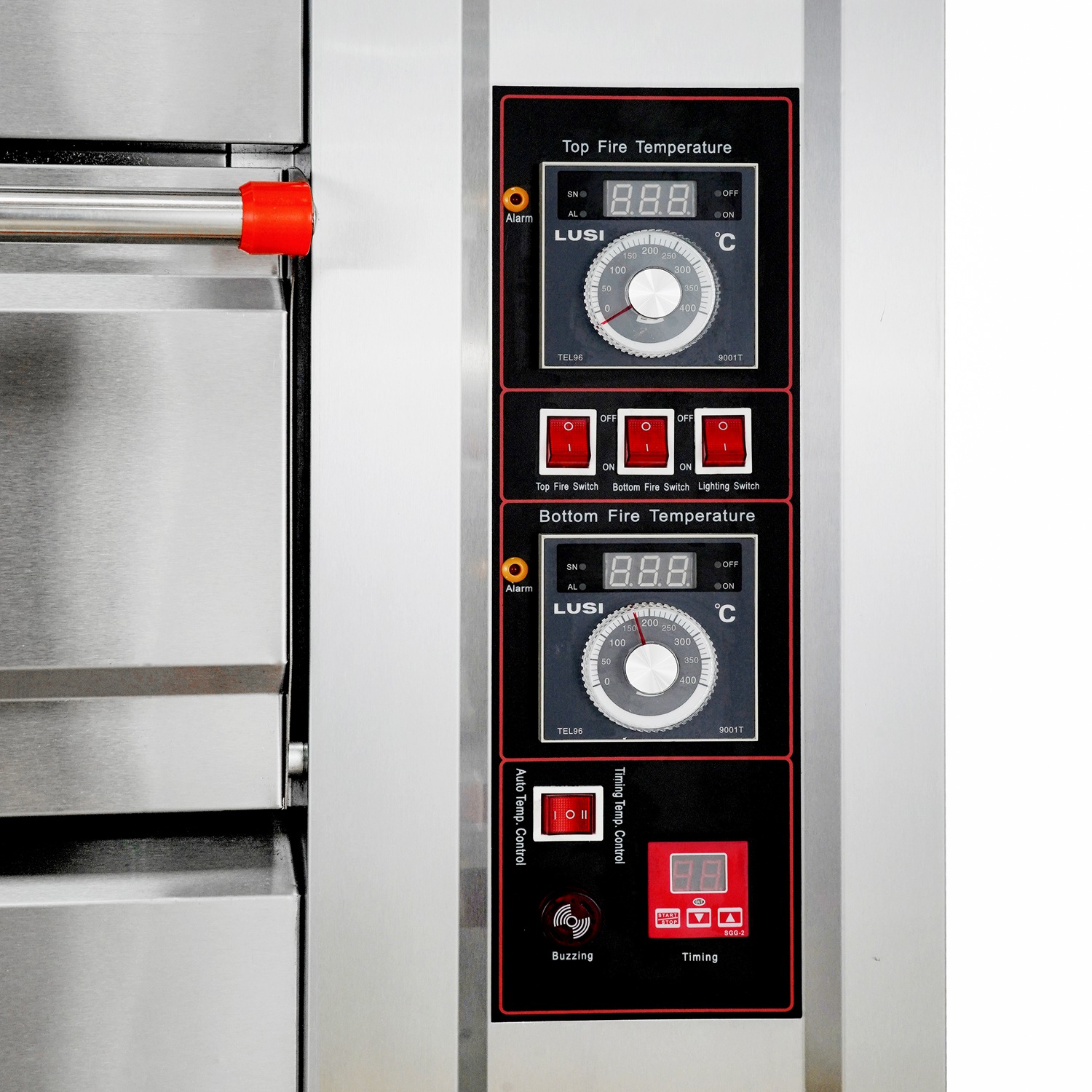
- Precision Temperature Control
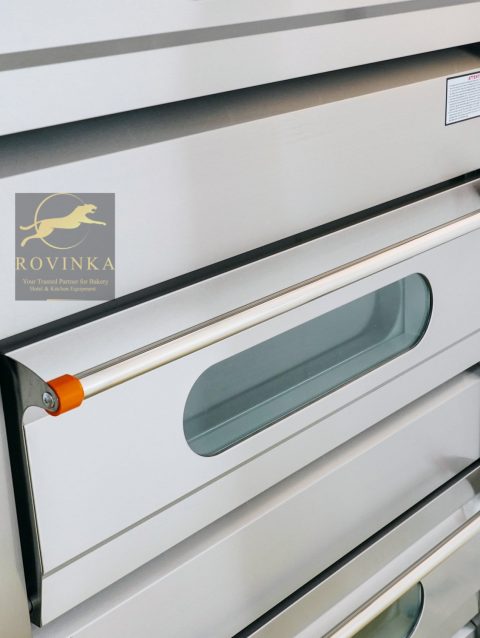
- Tempered Glass Doors
- Internal Lighting
- Energy Efficient Operation
- Ergonomic Design
- Safety Features
- Easy to Clean and Maintain
Each deck features independent temperature control and a large tempered glass viewing window. This makes it easy to monitor progress without interrupting the baking process or losing heat.
With a focus on safety and efficiency this gas oven includes insulated doors ergonomic handles and reliable gas burners. It is a solid investment for businesses that demand both performance and dependability.
User Guide
Please read the manual before use.
1. Safety Warning
- The information in this document won't be modified or extended in accordance with any notice.
- The watch should be charging 2 hours at least before use. Security Code
- The original code is 1122,this code can prevent your watch in use by others without your permission.
- Please change the original code to insure your personal information safe.
2. Product details
- Power button: Power On/Off;Awaken/turn off screen;Back to main menu
- Touch screen: each function (main menu) will be shown and displayed on capacitive touch screen
3. Clock Display
- Method 1: Power on, when the phone in clock mode, please click middle screen and set different clock interfaces if you like.
- Method 2:Power on, Main menu: setting--phone setting--standby menu display -- unlock selection.
4. Product quick use
- Download the Sync software
- Install and use the Sync software


Reviews
There are no reviews yet.